


Here's the thing nobody wants to hear: almost every business now runs through the internet in some way, and that's exactly what makes it fair game for attackers. Cybersecurity threats keep changing shape, and honestly, most in-house IT teams are struggling to keep pace. Doesn't matter if you're a five-person shop above a coffee place or a national chain with a whole IT floor, one bad click from one tired employee can open the door to a genuinely bad week. Learning the common types of cyberattacks and figuring out how to push back on them just isn't optional anymore. So let's go through the online security threats worth watching in 2026, plus a few practical, no-nonsense tips you can start using today.
At its core, a cybersecurity threat is really just any attempt to steal, damage, or interfere with digital systems and the data inside them. Sometimes it's one guy in his bedroom trying his luck. Other times it's an organized group with real patience, real funding, and a plan. Some attacks chase money directly. Others just want your information or simply want to watch things break. Either way, they're all hunting for the same thing: a crack somewhere that nobody's patched yet.
Once you can actually name the common types of cyberattacks, the warning signs stop feeling so random.
Any one of these can hit a business no matter its size, which is exactly why leaning on one single security tool rarely holds up.
Also Read: What Is Confidential Computing? A Simple 2026 Guide
Attackers are only getting sharper, and a few online security threats really stand out this year.
What makes these so frustrating is how normal they look at first glance. They slide right past filters built for older, clumsier attacks. Staying current on new tactics isn't extra credit anymore; it's just part of the job.
Malware is still one of the easiest ways for attackers to get a foot in the door. A handful of unglamorous habits go a surprisingly long way here.
None of this is groundbreaking. But skipping even one of these habits is usually exactly how trouble finds its way in.
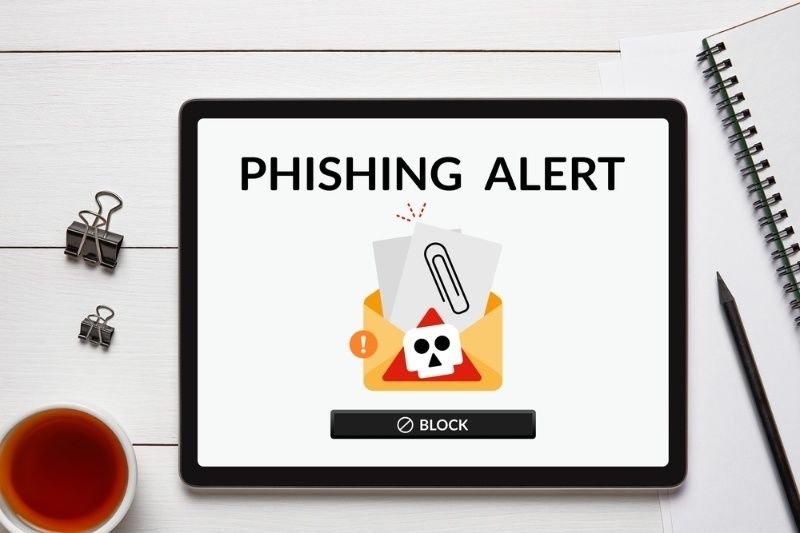
Phishing attack prevention really comes down to people more than software. Attackers are betting on someone being rushed, distracted, or just a little too trusting that day.
| Warning Sign | What to Do |
| Urgent tone pushing for quick action | Slow down, verify through a different channel |
| Sender address that looks slightly off | Check the full email, not just the display name |
| Unexpected links or attachments | Hover first, click second |
| Requests for passwords or payment | Call the person directly before doing anything |
Regular training, plus the occasional simulated phishing test, helps people catch these red flags before real damage happens, not after the wire transfer's already gone out.
Ransomware protection isn't just about keeping attackers out. It's also about how quickly you can get back on your feet if one gets in anyway, because even well-defended networks slip up sometimes.
A backup strategy that's actually been tested is, more often than not, the single biggest reason some businesses bounce back fast while others don't bounce back at all.
Also Read: What Is a Digital Footprint and Why Should You Care?
Good network security tips are mostly about cutting down the number of ways in. Think of your network less like one front door and more like a building with several locked doors in a row.
Small changes on paper, sure, but together they make it a lot harder for someone to wander around undetected once they're already inside.
Data breach prevention comes down to a mix of decent tech and clear internal habits. Most breaches happen because both slipped at the same time.
Businesses that treat this as an ongoing thing, instead of a box checked once a year, tend to recover a lot faster when something actually goes wrong.
Cyber risk management is what ties all of this together. Instead of reacting to each threat one at a time, like it's the first fire you've ever put out.
A plan that's actually written down turns cybersecurity from a vague background worry into something you can actually manage, one step at a time.
Cybersecurity threats aren't going anywhere, but businesses that prepare consistently tend to come out ahead of those that just hope for the best. Pairing solid malware protection with real phishing awareness, ransomware planning, and decent network habits builds genuine, layered defense over time. Cyber risk management sounds intimidating until it's broken down into small, repeatable steps you actually follow.
Also Try: What is Edge Computing: A Comprehensive Guide for Beginners
Phishing is still the one you see most, and honestly, it stays ahead because it costs attackers very little. It also kind of slips past technical defenses because it leans on human trust and artificial urgency, not some real software weakness.
First, isolate the impacted systems, then loop in the incident response team. Also, preserve evidence for later review, not just “move on” right away. After that, notify affected customers and regulators when it’s required, while also working with specialists so the hole gets closed as fast as possible.
Sometimes yes. If a company has clean backups, then it can restore systems without giving attackers a single payment. Occasionally, security researchers release public decryption tools too, but it really depends on which ransomware strain is doing the damage.
At a minimum, twice a year, and again any time there’s a major incident, a new software rollout, or a significant change in how the business operates. Threats move so quickly that old plans can go stale faster than people expect.
This content was created by AI